
Technology
How Jordan Spieth Uses Tech to Master Modern Golf
Jordan Spieth's mastery reveals how launch monitors, AI wearables, and data analytics have transformed golf into a technology-driven sport where precision wins.
AAlex Morgan
14m
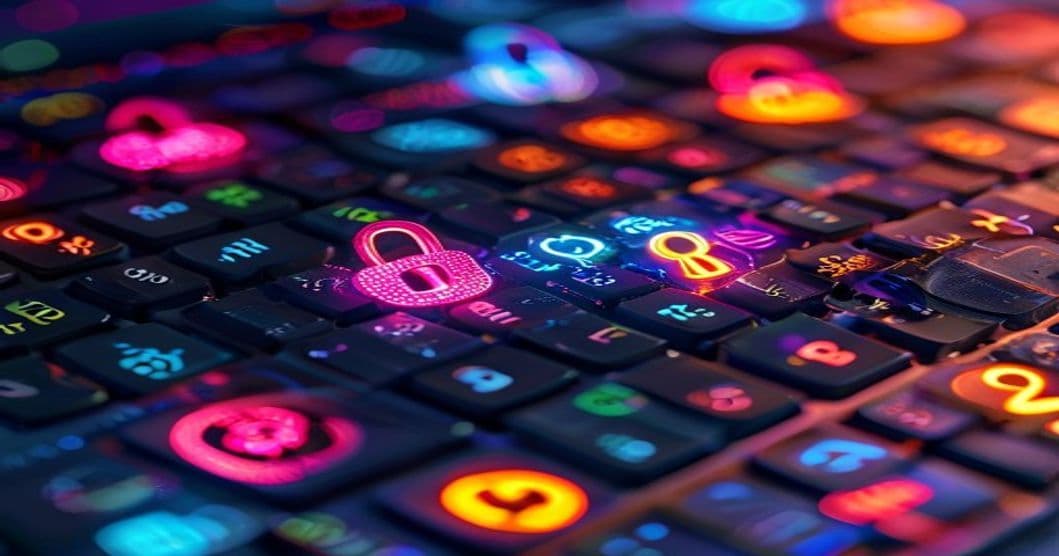
Would you believe that 81% of data breaches are due to weak or stolen passwords? It's a staggering statistic that highlights the crucial need for strong, memorable passwords. Imagine the relief of knowing your online accounts are secure without the headache of remembering complex strings of characters.
In this article, you'll discover practical strategies to create strong passwords you can actually remember. We'll explore techniques to enhance your password security, the psychology behind memory retention, and tools to simplify password management.
Creating a strong password is your first line of defense against cybercrime. According to a 2020 report by Verizon, 81% of hacking-related breaches leveraged either stolen or weak passwords. The challenge is balancing security with memorability.
Weak passwords are often simple, easily guessed, and reused across multiple sites. This can lead to a domino effect where one breach compromises multiple accounts.
Creating a password that is both secure and memorable requires a bit of creativity and strategy.
Instead of a single word, use a passphrase composed of random words. This method increases complexity while enhancing recall.
Use mnemonics to create complex passwords based on memorable phrases or sentences.
While creating memorable passwords is important, leveraging technology can further enhance security.
Password managers generate and store complex passwords, eliminating the need to remember each one individually.
| Feature | LastPass | 1Password | Dashlane |
|---|---|---|---|
| Free Version | Yes | No | Yes |
| Autofill | Yes | Yes | Yes |
| Multi-device | Yes | Yes | Yes |
Understanding how memory works can assist in creating passwords that stick.
Repetition strengthens memory retention. Regularly using and recalling your password can make it second nature.
Break down information into smaller, manageable chunks.
Q: What makes a password strong?
A: A strong password is typically at least 12 characters long, includes a mix of letters, numbers, and symbols, and does not contain easily guessed information.
Q: How often should I change my passwords?
A: It's advisable to change your passwords every three to six months, especially for sensitive accounts.
Q: Are password managers safe?
A: Yes, reputable password managers use strong encryption to secure your data, making them a safe choice for managing passwords.
Q: What should I do if I forget my password?
A: Use the password recovery or reset option provided by the service, and consider using a password manager to prevent future issues.
Incorporating these strategies into your digital life can significantly boost your online security. As cyber threats continue to evolve, so should your approach to password creation. Are you ready to transform your password habits and fortify your digital defenses?
Related Free Tool
URL Slug Generator
Convert any title into a clean, SEO-friendly URL slug.
Get our latest insights delivered to your inbox every week. No spam, ever.
Unsubscribe anytime. We respect your privacy.
Written by
Sarah ChenBusiness & Finance
Business and finance analyst with deep expertise in market trends, investment strategies, and economic developments.
Loading comments...

Read Next
Health & ScienceExplore how STEAM education enhances student health and academic success through creativity and logic.
Jordan Spieth's mastery reveals how launch monitors, AI wearables, and data analytics have transformed golf into a technology-driven sport where precision wins.

From AI draft models to biometric tracking, discover how cutting-edge technology shaped Zaccharie Risacher's path to NBA stardom.
The Supreme Court's 2026 rulings on AI copyright, geofence warrants, and digital privacy are rewriting technology law. Discover how these cases affect you.